


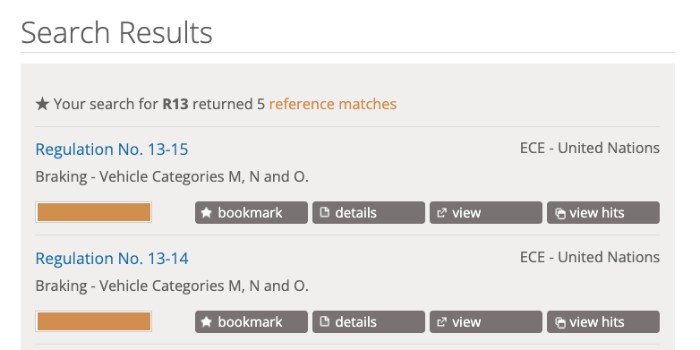
When you search InterRegs.NET for a document's reference, the document now appears at the top of the results, in a ‘reference matches’ box. The full-text results below it are unchanged.
You can type the reference the way you normally write it. For example:
- UN regulations: R13, UN R13, ECE 13, ECE R13-H, GTR 9
- EU regulations/directives: 595/2009, EU 595-2009, 2018/858, 2007/46/EC
- US standards: FMVSS 108, 49 CFR 571.108
- Other standards: GB 7258, AIS 189, ADR 35, EN 474, ISO 16750-1:2023
Spaces, hyphens and capital letters do not matter: ‘en474’, ‘EN 474’ and ‘EN-474’ all find the same documents.
We'd like to hear how it works for you. Email us at support@interregs.com with any feedback or questions.